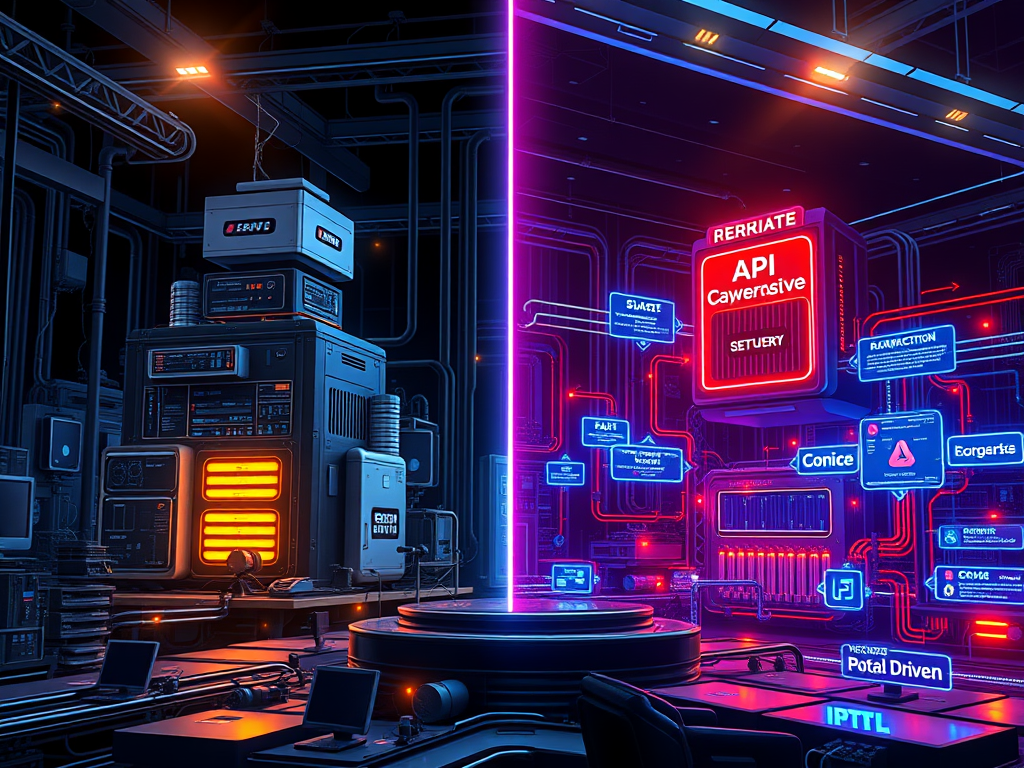
In software engineering, architectural discussions often devolve into a binary choice: the “legacy” Monolith versus the “modern” Microservices. This dichotomy is not only false but dangerous. It forces teams to choose between the operational simplicity of a single unit and the decoupled scalability of distributed systems, often ignoring a vast middle ground.
Recently, the rise of API-driven Event-Based Architectures (EDA) has added a third dimension, promising reactive, real-time systems. But for a technical leader or a systems architect, the question isn’t “which is best?” but “which constraints am I optimising for?”
This article explores the trade-offs between Monolithic and Event-Driven systems and makes a case for the pragmatic middle ground: the Hybrid approach.
1. The Monolith: Alive and Kicking
The term “Monolith” often conjures images of unmaintainable “Big Ball of Mud” codebases. However, a well-designed Modular Monolith is a legitimate architectural choice for 90% of use cases.
The Strengths
- Transactional Integrity (ACID): The single biggest advantage of a monolith is the ability to run a complex business process (e.g., “Place Order”) within a single database transaction. If any part fails, the whole operation rolls back. In distributed systems, this simple guarantee is replaced by complex Sagas or two-phase commits.
- Operational Simplicity: One deployment pipeline, one monitoring dashboard, one database to back up. The cognitive load on the ops team is significantly lower.
- Zero-Latency Communication: Function calls are orders of magnitude faster than network calls. You don’t need to worry about serialization overhead, network partitions, or retries.
Limiters
The monolith hits a wall when team scale outpaces code modularity. When 50 developers are merging into the same repo, the merge conflicts and slow CI/CD pipelines become the bottleneck.
2. API-Driven Event-Based Architectures
In this model, services don’t just “call” each other via HTTP; they emit “events” (facts about what just happened) to a broker (Kafka, RabbitMQ, EventBridge). Other services subscribe to these events and react.
The Strengths
- True Decoupling: The OrderService doesn’t know the EmailService exists. It just screams “OrderPlaced” into the void. This allows you to plug in new functionality (e.g., a “FraudDetection” service) without touching the core flow.
- Asynchronous Resilience: If the InventoryService is down, the OrderService can still accept orders. The events will just sit in the queue until the consumer recovers.
- Scale Asymmetry: An image processing service might need 100x more CPU than the user profile service. You can scale them independently without over-provisioning the rest of the system.
The Tax
The cost of this power is complexity. You now live in a world of eventual consistency. A user might place an order but not see it in their history for 2 seconds. Debugging a flow that jumps across 5 services via inconsistent message queues requires sophisticated observability (Distributed Tracing) and mature DevOps practices.
3. The Hybrid Approach: The “Citadel” and Modular Monoliths
It is rarely an all-or-nothing decision. The most successful systems often employ a hybrid strategy, famously described by some as the Citadel Pattern or the Strangler Fig.
Pattern A: The Modular Monolith (Internal EDA)
You build a single deployable unit, but internally, you enforce strict boundaries.
- Internal Events: Instead of Module A calling Module B’s class directly, you can use an in-memory event bus. When a user registers, the User Module publishes a domain event. The Notification Module subscribes to it.
- Why?: This gives you the decoupling benefits of EDA (code isolation) without the operational tax of distributed systems (network failures, serialization).
Pattern B: The Citadel (Monolith + Satellites)
Keep your core, complex business domain (e.g., the billing engine or policy ledger) in a Monolith. This domain likely benefits from ACID transactions and complex data joins.
- Offload peripheral or high-scale volatility to microservices.
- Example: A core Banking Monolith handles the ledger. However, the “PDF Statement Generation” is an external microservice because it is CPU intensive and stateless. The “Mobile API Adapter” is a separate service to allow for rapid iteration on UI needs without risking the core bank.
4. The Cost Dimension: Infrastructure & People
Cost is often the silent killer in architectural decisions. It’s not just about the AWS bill; it’s about the Total Cost of Ownership (TCO).
Infrastructure Costs
- Monolith: generally cheaper at low-to-medium scale. You pay for fixed compute (e.g., 2 EC2 instances). You save on data transfer costs because communication is in-memory. However, scaling is inefficient: if one module needs more RAM, you have to upgrade the entire server.
- Event-Driven/Microservices: The “Cloud Tax” is real. You pay for:
- Managed Services: Kafka (MSK) or RabbitMQ clusters are not cheap to run or cheap to rent.
- Data Transfer: Every event crossing an Availability Zone (AZ) or Region boundary incurs a cost.
- Base Overhead: Running 50 containers requires more base CPU/RAM overhead than running 1 container with 50 modules.
- Savings: You only save money at massive scale, where granular scaling (generating 1000 tiny instances for just the billing service) outweighs the overhead tax.
Organizational Costs (Engineering Salary)
- Monolith: Lower. Generalist developers can contribute easily. Operations require fewer specialists.
- Event-Driven: Higher. You need strict platform engineering, SREs to manage the service mesh/brokers, and developers who understand distributed tracing and idempotency.
Decision Framework: When to Prefer Which?
Don’t follow the hype. Follow the constraints.
| Constraint | Prefer Monolith | Prefer Event-Driven/Microservices |
| Team Size | Small (< 20 engineers), tight communication. | Large, multiple independent squads (2-pizza teams). |
| Domain Complexity | High complexity, deep coupling, needs strict consistency. | Clearly defined sub-domains (e.g., Shipping is distinct from Billing). |
| Traffic Patterns | Uniform scale requirement. | Asymmetrical scale (one feature needs massive scale). |
| Consistency | Strong (ACID) is non-negotiable. | Eventual consistency is acceptable. |
| Cost Sensitivity | Bootstrapped/Low Budget. Optimizes for low operational overhead. | High Budget/Enterprise. Willing to pay premium for high availability and granular scale. |
Conclusion
Hybrid approaches allow you to “architect for the team you have, not the team you want.” Start with a Modular Monolith. Use internal events to decouple your code. Only when a specific module needs independent scaling or has a distinct release cycle should you carve it out into a separate service.
By treating architecture as a dial rather than a switch, you avoid the complexity tax until you actually need the power it buys you.
-Satyjeet Shukla
AI Strategist & Solutions Architect
 TheTechDialogue